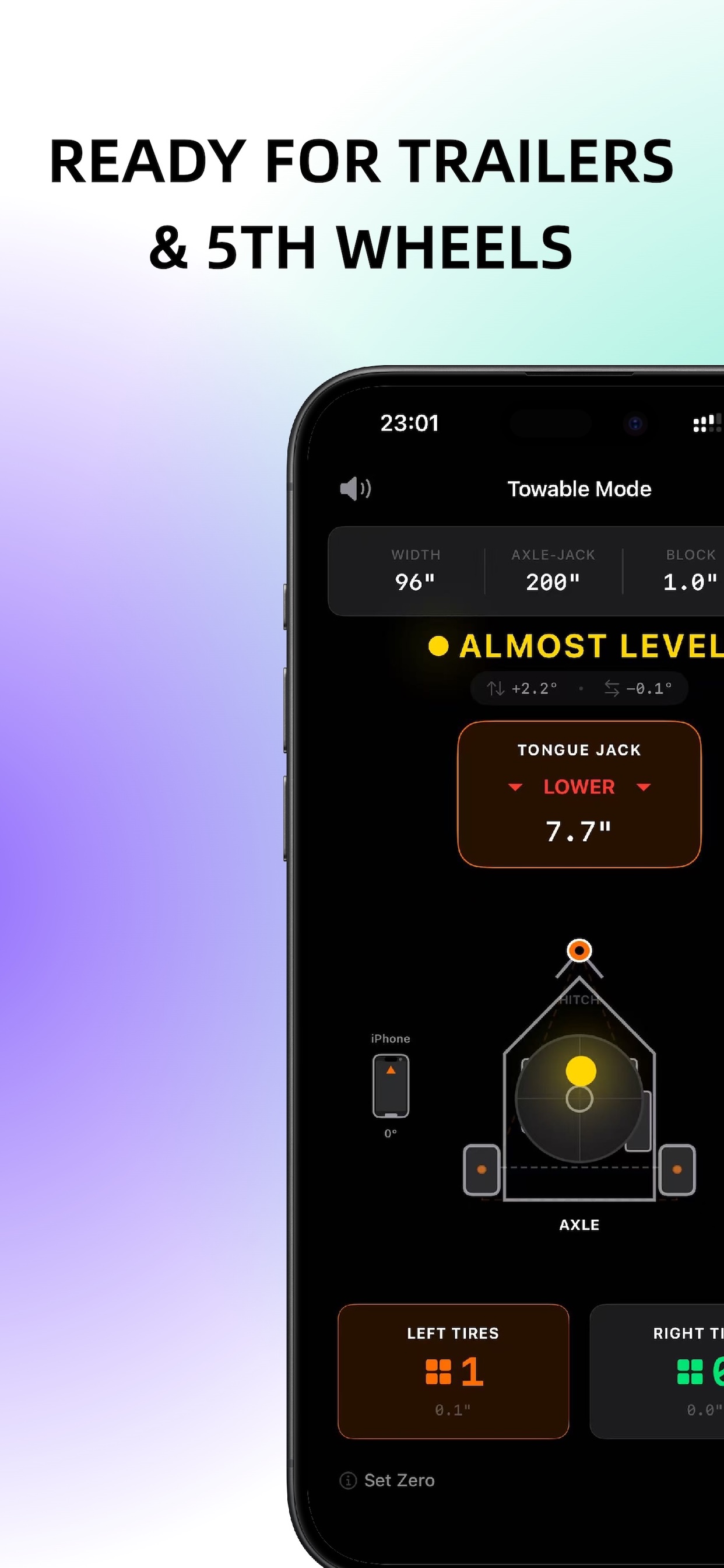
Gyroscope Sensor Real-time Angle Motorhome & Trailer Block Calculator Auto Calibration

RV Leveler Pro: Precision Leveling with Your iPhone

Use your iPhone's built-in gyroscope to level your RV with precision. Calculate exact leveling block requirements for motorhomes, trailers, and 5th wheels. No hardware leveler needed.

Download on the App Store
What is RV Leveler Pro?

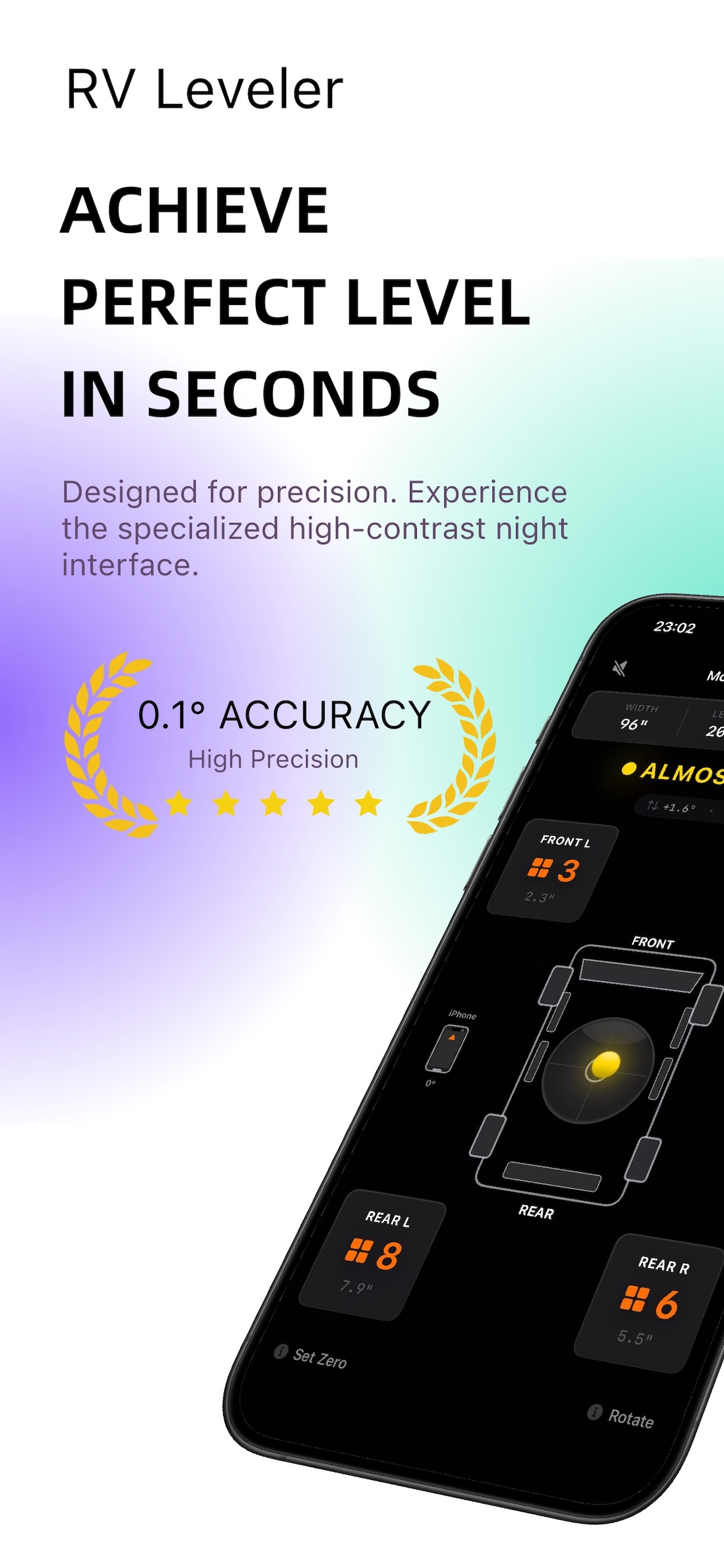
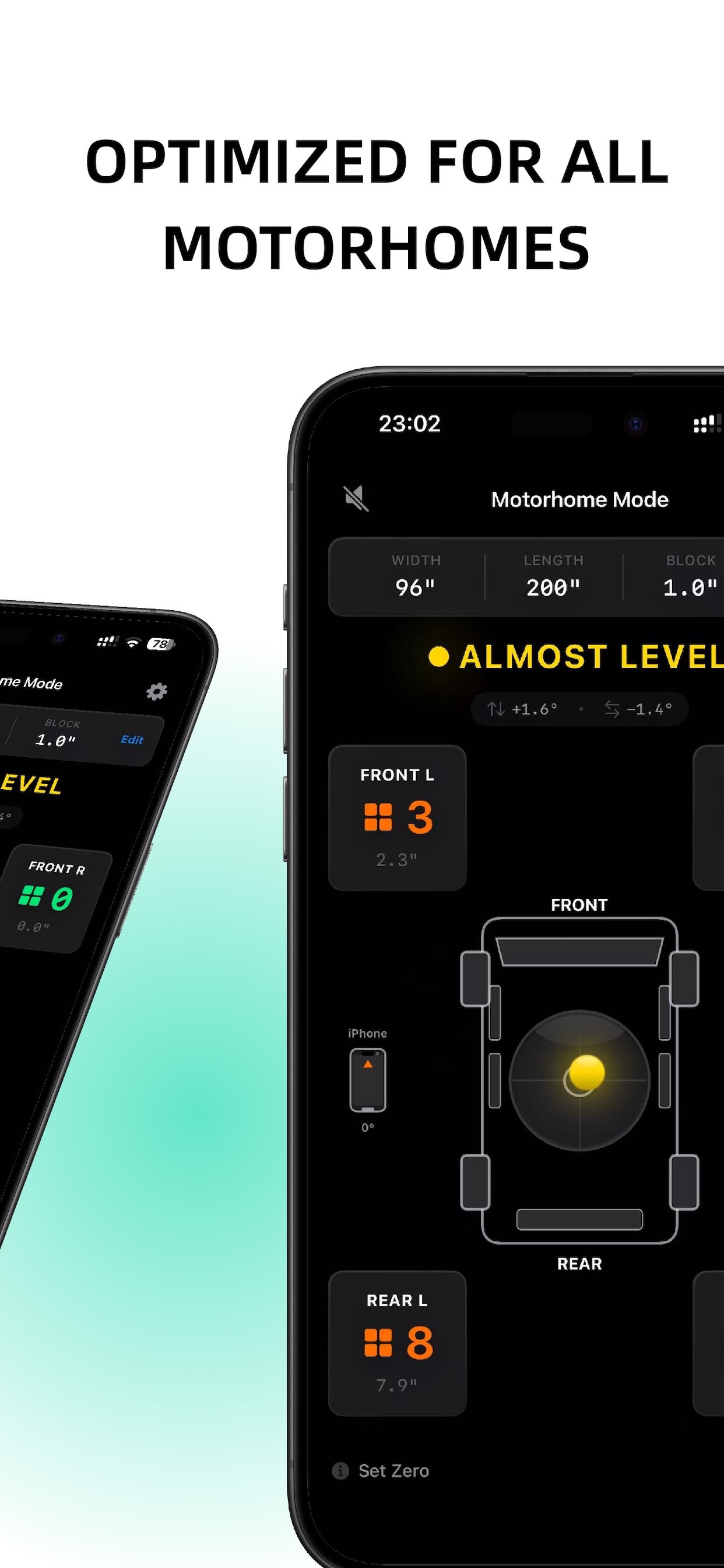
RV Leveler Pro is a precision iOS utility that uses your iPhone's built-in three-axis gyroscope sensor to measure pitch and roll angles, then calculates the exact leveling block requirements for your RV. The app supports two vehicle types: Motorhome & Van (4-point plane model) and Trailer & 5th Wheel (3-point triangle model), using geometric calculations based on wheelbase, track width, and axle-to-jack distances.

Unlike traditional bubble levels or expensive hardware levelers, RV Leveler Pro provides real-time angle measurements with 0.1-second update frequency, low-pass filtering for stability, and smart block calculation that accounts for standard 1-inch leveling block thickness. The app includes device calibration to compensate for phone camera bumps and case variations, ensuring accurate measurements every time.

How It Works

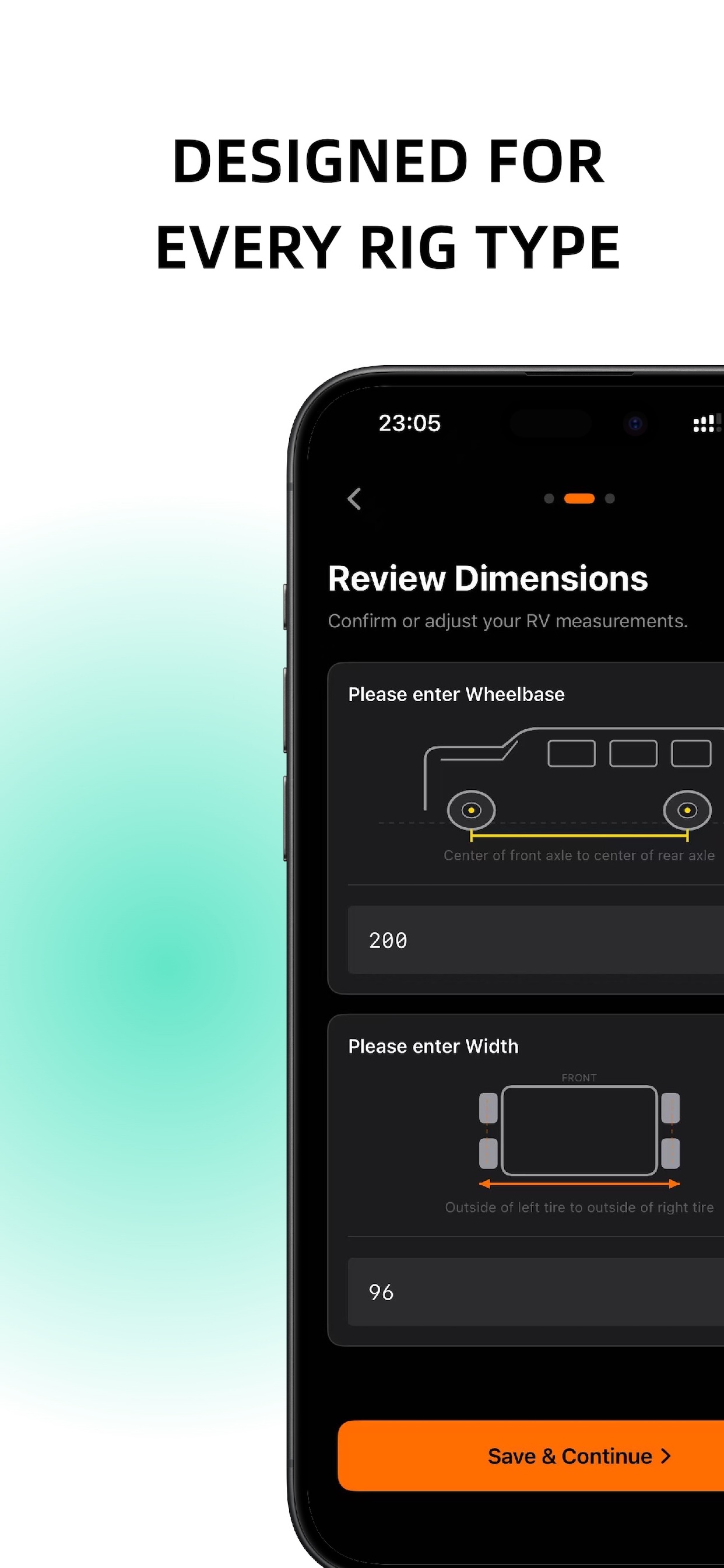
  1. Step 1: Select your vehicle type (Motorhome & Van or Trailer & 5th Wheel) and enter your vehicle's width and length dimensions. For motorhomes, length is wheelbase; for trailers, length is axle-to-jack distance.
  2. Step 2: Calibrate your device by placing your iPhone on a flat surface (floor or table). This sets the absolute zero point and compensates for camera bumps or case variations that could affect accuracy.
  3. Step 3: Place your iPhone on the RV floor or dashboard. The app reads pitch (front-to-back) and roll (side-to-side) angles from the gyroscope at 10Hz, applies low-pass filtering for stability, and displays real-time measurements.
  4. Step 4: The geometry engine calculates required leveling heights using trigonometric formulas: Height = sin(angle) × dimension. For motorhomes, it calculates 4-wheel block requirements; for trailers, it shows wheel adjustments and front jack height changes.
  5. Step 5: Smart block calculation converts height requirements into block counts using your configured block thickness (default 1.0 inch). The algorithm uses intelligent rounding: if decimal part < 0.2, round down; otherwise, round up for safety.

Examples

Vehicle Type Dimensions Angle Reading Result Note
Motorhome Wheelbase: 200 in
Track: 96 in
Pitch: 1.5°
Roll: 0.8°
Front: 0 blocks
Left: 2 blocks
Right: 0 blocks
Rear: 1 block
4-point plane model. Highest wheel (right front) is baseline.
Trailer Axle-to-Jack: 180 in
Track: 96 in
Pitch: -2.0°
Roll: 1.2°
Left: 2 blocks
Right: 0 blocks
Front Jack: Lower 6.3 in
3-point triangle model. Negative pitch means front is high.
Class A RV Wheelbase: 240 in
Track: 96 in
Pitch: 0.3°
Roll: 0.2°
All wheels: 0 blocks Within 0.2° tolerance. RV is level. Haptic success feedback triggered.

Frequently Asked Questions

How accurate is the iPhone gyroscope for RV leveling?
Modern iPhones include a three-axis gyroscope sensor that provides high-precision angle measurements. RV Leveler Pro uses CoreMotion's CMMotionManager with 10Hz update frequency and applies low-pass filtering (alpha 0.15) to smooth out vibrations. With proper device calibration on a flat surface, the app achieves accuracy sufficient for RV leveling applications, typically within 0.1-0.2 degrees.
Do I need to measure my RV dimensions manually?
For best accuracy, we recommend measuring your actual RV dimensions. However, the app includes "Use Standard Specs" option that automatically fills industry-standard defaults: 96 inches width (8 feet) and 200 inches wheelbase for motorhomes, or 180 inches axle-to-jack distance for trailers. If you use standard specs, the app will display an "Est." warning to indicate estimated values.
What's the difference between Free and Pro versions?
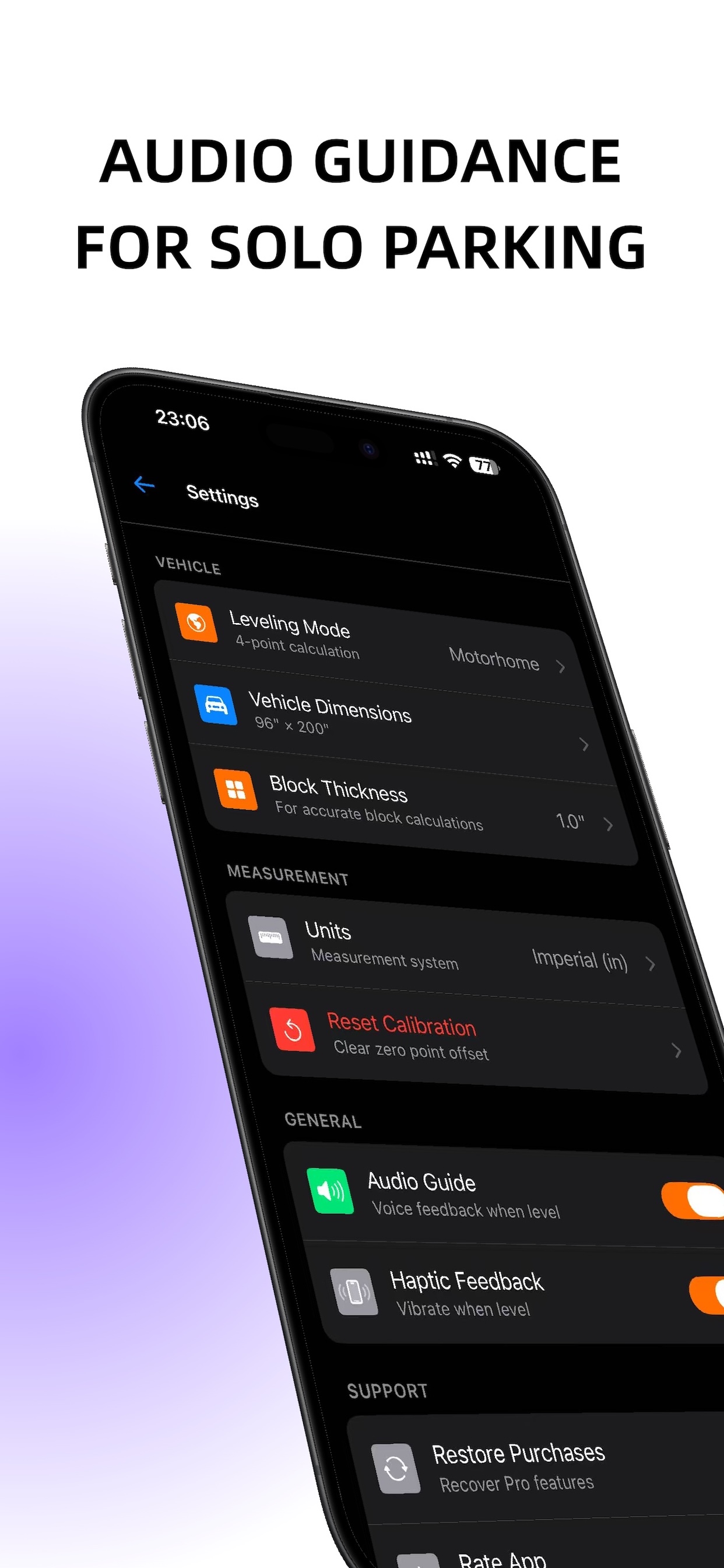
The free version provides real-time angle measurements and basic leveling guidance. Pro features (one-time unlock $4.99-$9.99) include: detailed block count calculations, audio guide voice prompts, and custom block thickness settings. Pro unlock is stored in Keychain to persist across app reinstalls.
Why do I need to calibrate the device?
iPhone camera bumps and protective cases create uneven surfaces when the phone is placed down. Calibration sets the absolute zero point by recording the raw pitch and roll offsets when the phone is on a known flat surface. Without calibration, measurements may be offset by several degrees, leading to incorrect leveling calculations. The app requires initial calibration before displaying measurement data.
Can I use the app for both motorhomes and trailers?
Yes. RV Leveler Pro supports two vehicle types with different geometric models. Motorhomes and vans use a 4-point plane model (calculates block requirements for all four wheels). Trailers and 5th wheels use a 3-point triangle model (calculates left/right wheel blocks and front jack adjustment height). You select your vehicle type during initial setup, and can change it later in Settings.

Related Guides